Press N to cycle through puzzle pieces, arrow keys to choose a slot on the board, and Enter to place the piece.
Game Mode
How to Play
Drag & Drop
Pick up word pieces from the holding areas around the board and drag them toward their correct position. Release near the target and the piece will snap into place.
Game Mode
Guided — Pieces are sorted and waiting, with letter guides on the board and unlimited hints to help you find your way.
Classic — The full puzzle experience. Pieces are scattered and it's up to you to find where they belong — with 12 hints if you need them.
Immersive — Total immersion. Place every individual letter by memory and intuition alone. No hints. Buy a Vowel is available and allows you to choose a vowel to be placed on the board, but it comes at a cost of 5 seconds in timed games.
Hint
Tap Hint in the taskbar to glow a piece and highlight its target on the board. Hints are limited in Classic mode; unlimited in Guided.
Reference
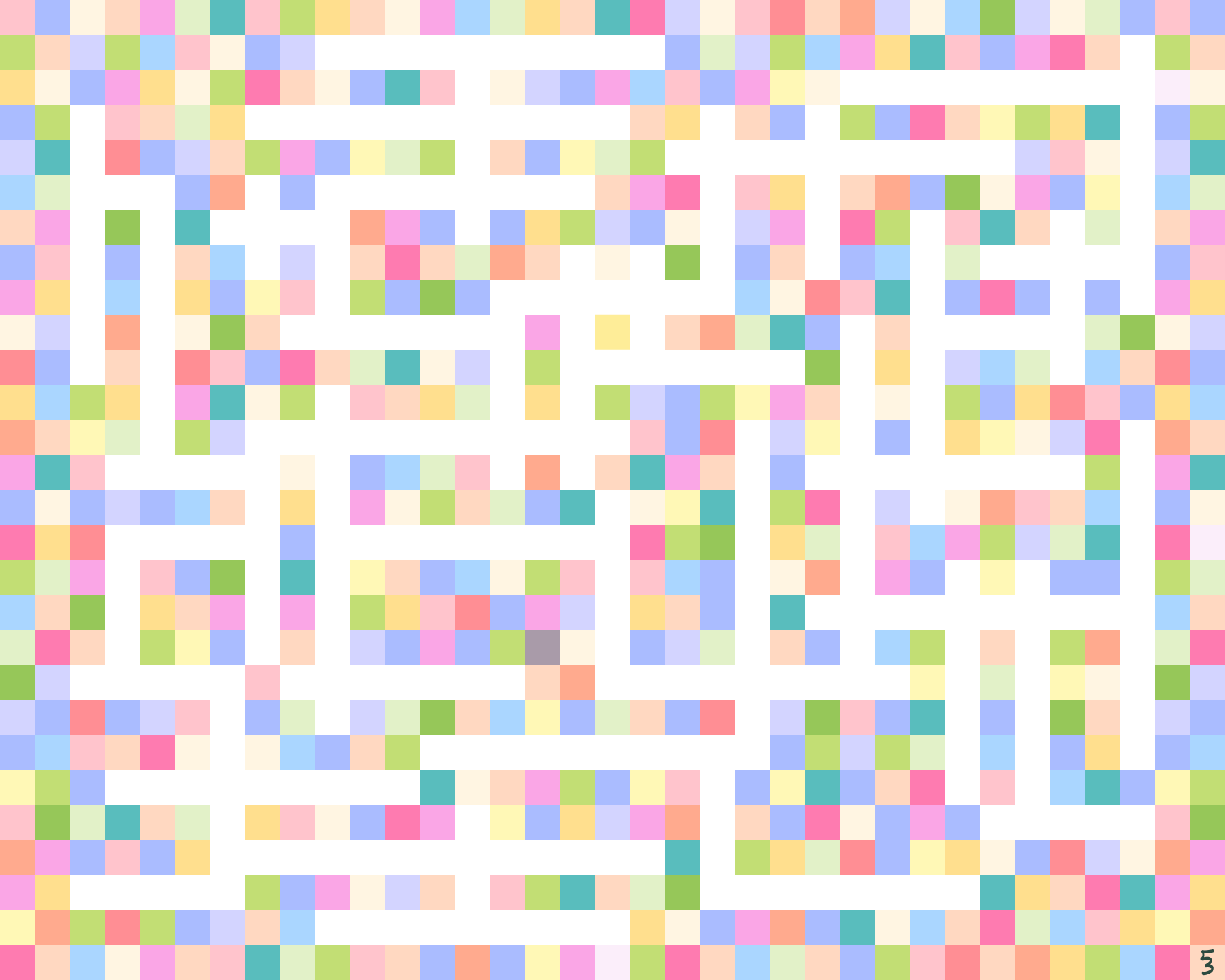
A thumbnail of the completed puzzle sits in the bottom-right corner. Hold it to expand a full preview — release to return to your game.
Word Clues
Hover over any empty spot on the board to see the definition of the word that belongs there.
Timer
Enable "Time your game?" on the start screen to turn on the timer. Your time appears above the taskbar during play and your best time is saved after each completion. Buying a vowel adds 5 seconds in timed mode.
Pause
Tap Pause in the taskbar or press P to pause. The timer stops while you're away. Resolve is also available from the pause menu in Guided and Classic modes.
Word Definitions
Each word's definition appears when it snaps into place. Hover any placed word to read it again. Hover the 53 logo in the corner to learn more about Brand Offerings.
Theme & Photo
Choose a background theme from the Theme menu — or upload your own photo to have it mapped across the outer frame pieces. Switch themes at any time during play.
Audio
Use the Audio menu to adjust volume, skip tracks, mute music, or change the click sound (Classic, Wood, Airplane, Pop). The current track name appears above the taskbar.
Keyboard Navigation
N / Shift+N — cycle forward or backward through pieces
↑ ↓ ← → — cycle through available slots on the board
Enter — place the piece in the highlighted slot
Esc — deselect
Fit & Zoom
If you pan or zoom away from the board, a Fit button will appear in the taskbar — tap it to snap back to the default centered view. On touch devices, use pinch-to-zoom for precise placement.
Save as PDF
After completing the puzzle, tap Save as PDF. Choose a print size — 5×4, 8×10, or 16×20 inches — then download a high-resolution PDF of the completed board with your active theme.
Background
Border
Music
Change Track
Willow Woods Trail
Click
00:000 / 0
Reference
You are out of hints
Tap a glowing slot to place a vowel
Vowels cost 5 seconds
Paused
All music by Brand Offerings
The picture is whole.
Let these words guide your actions throughout the day.
Resolve
Your time won't be counted if you resolve the puzzle now.